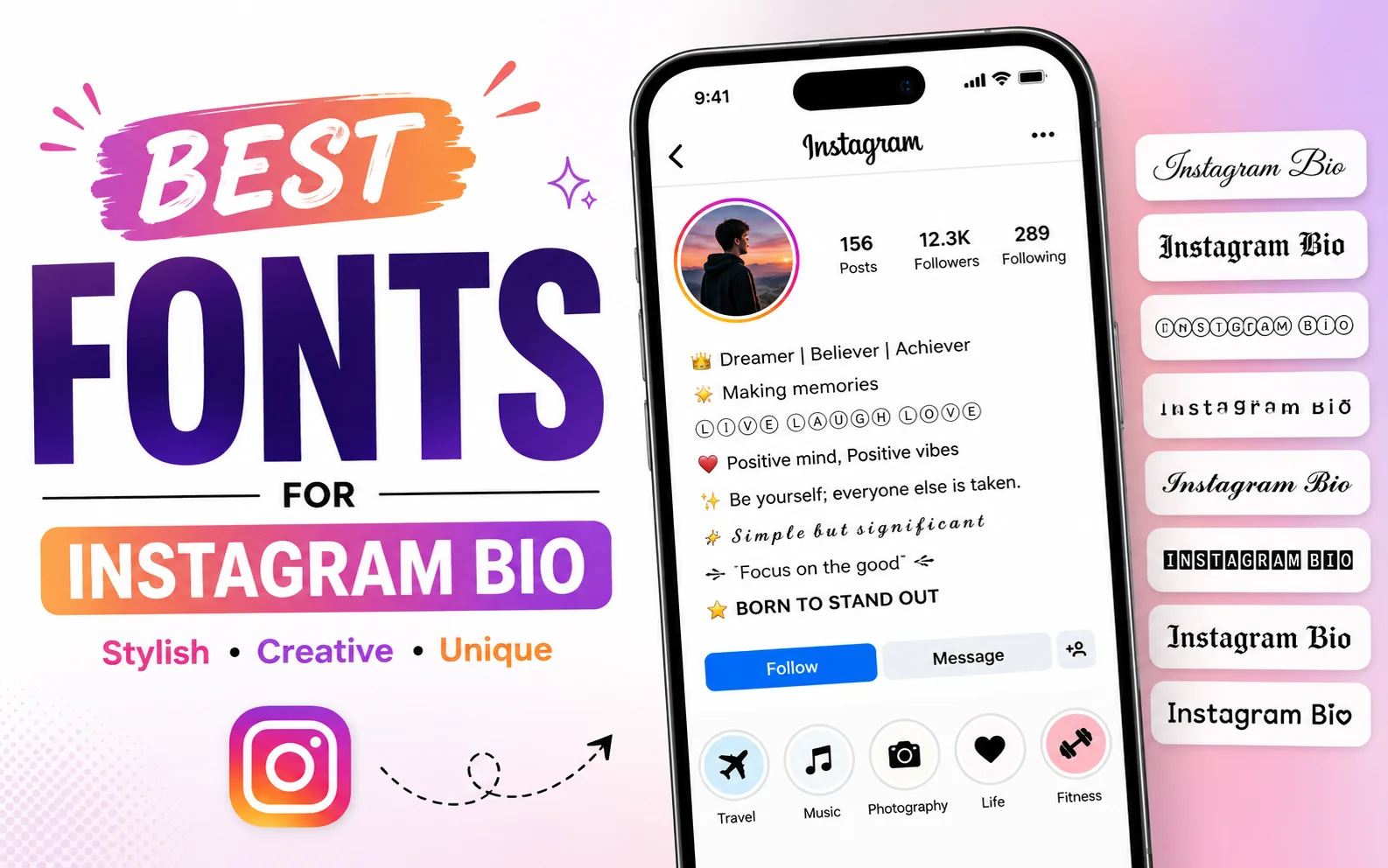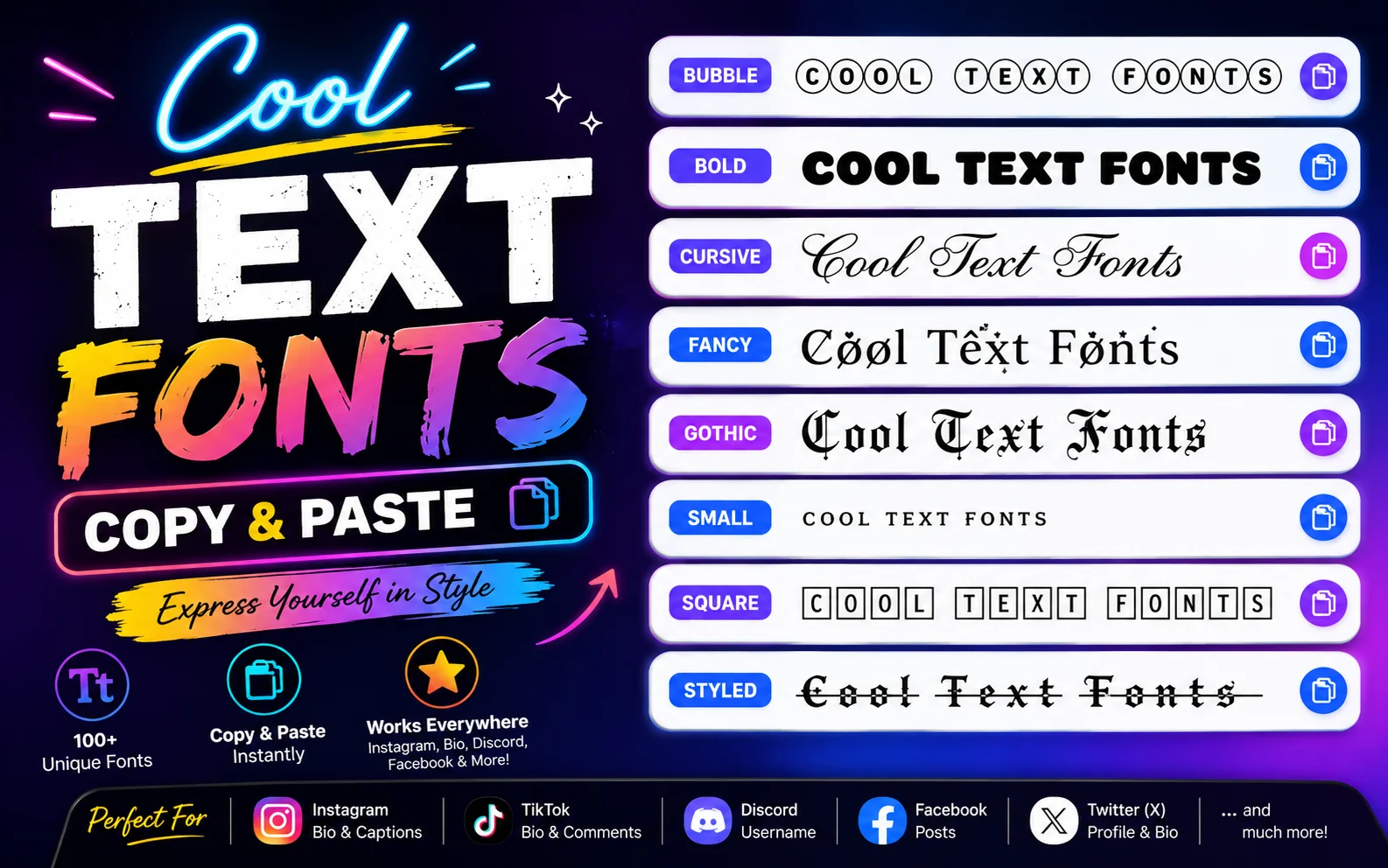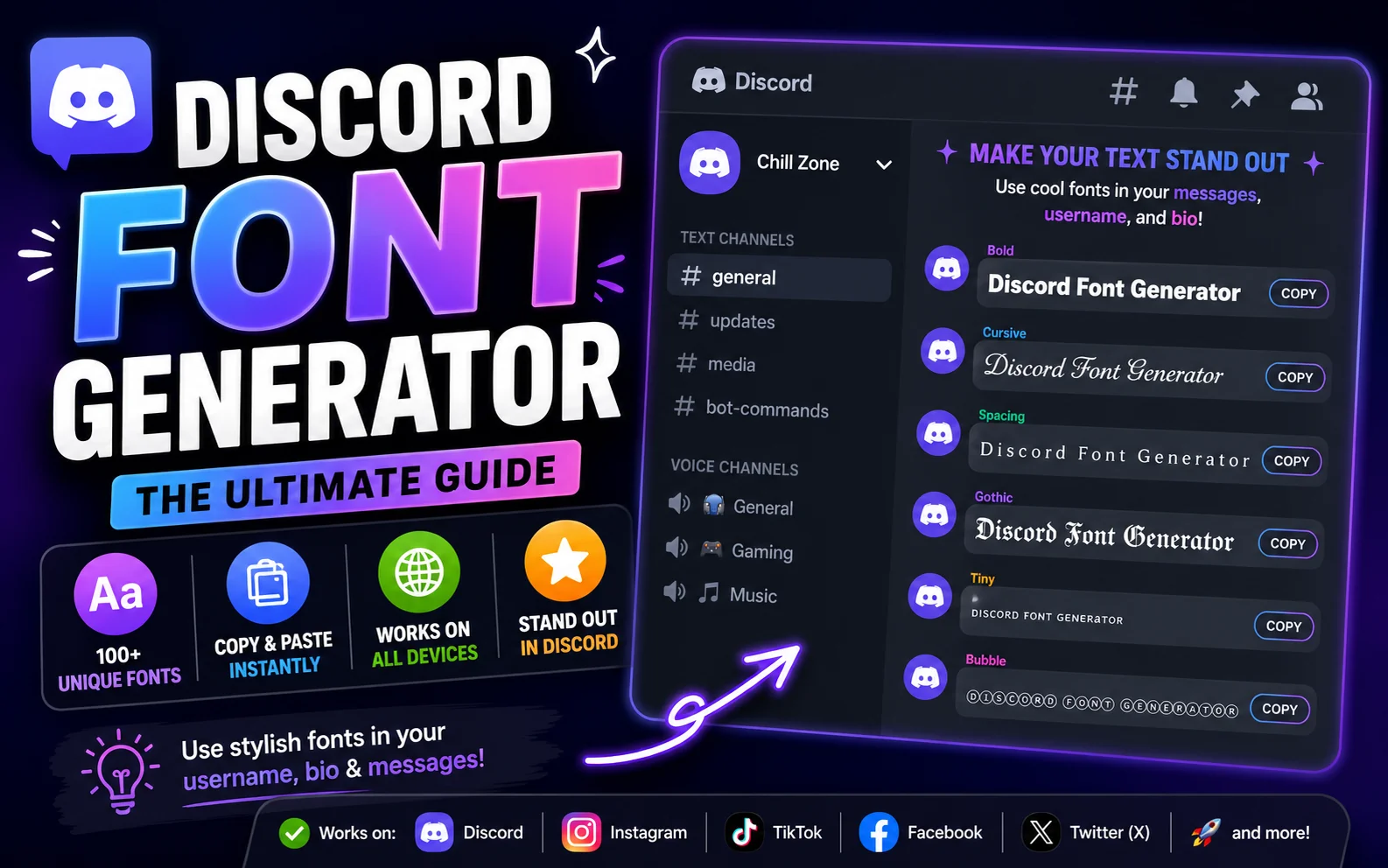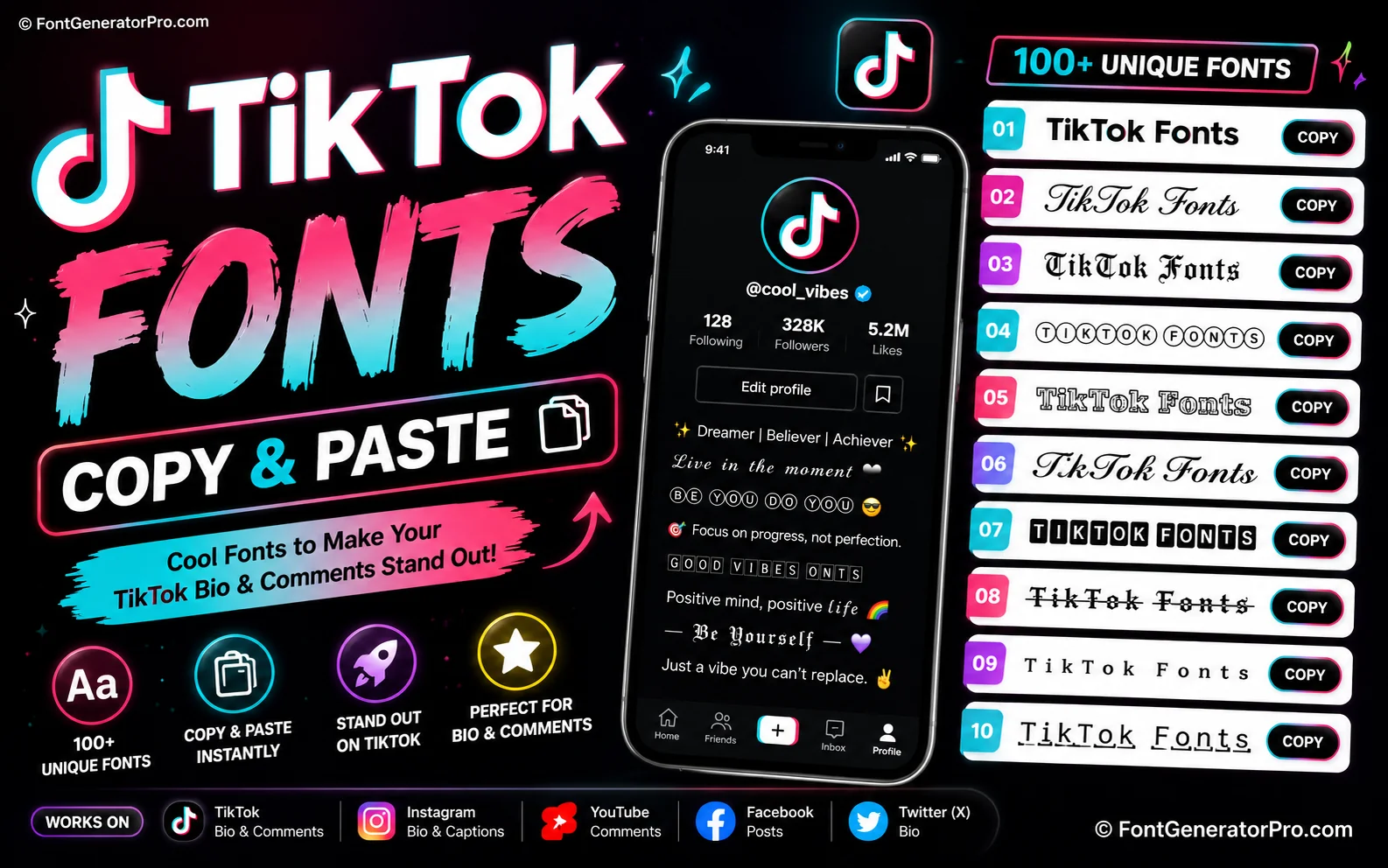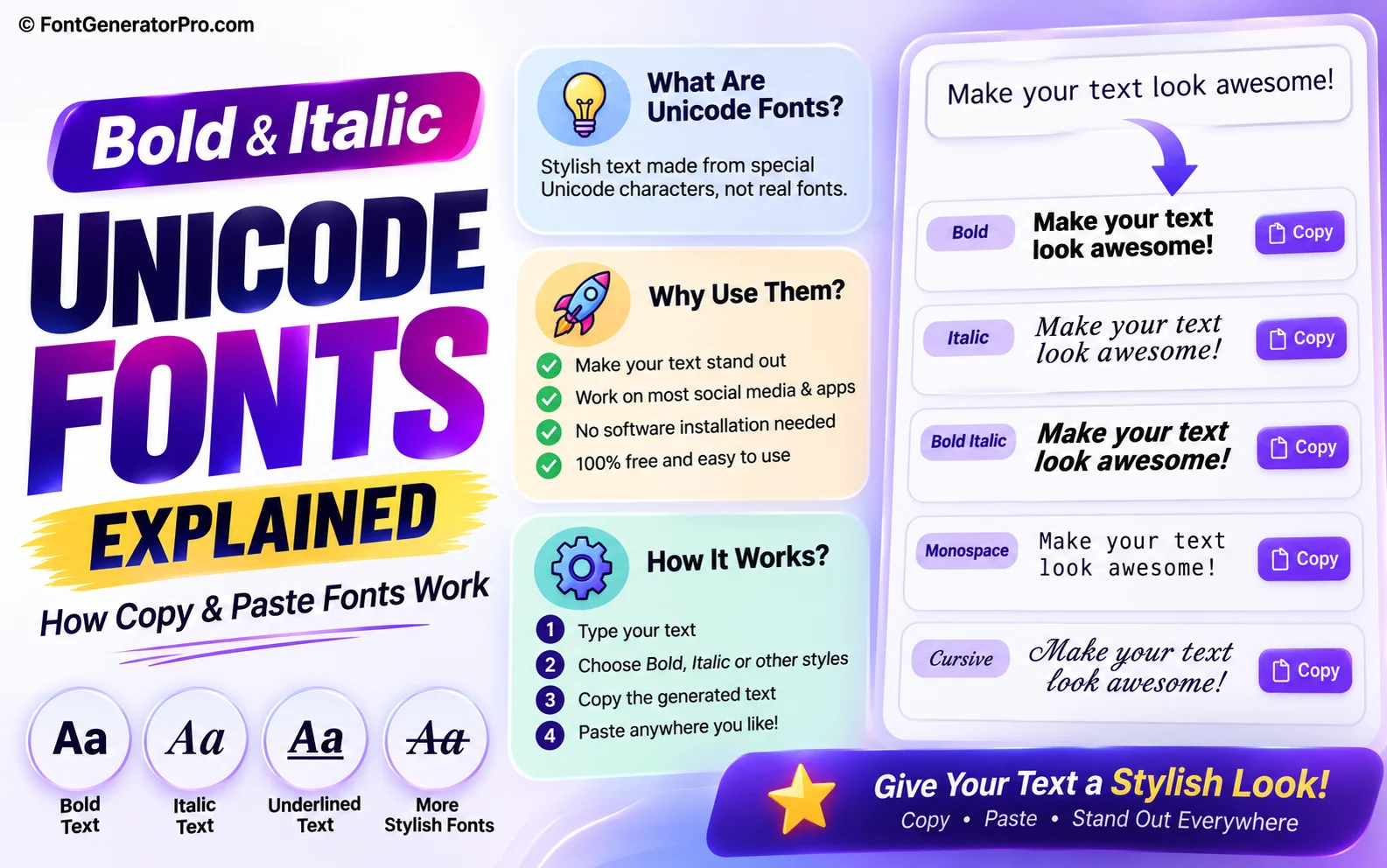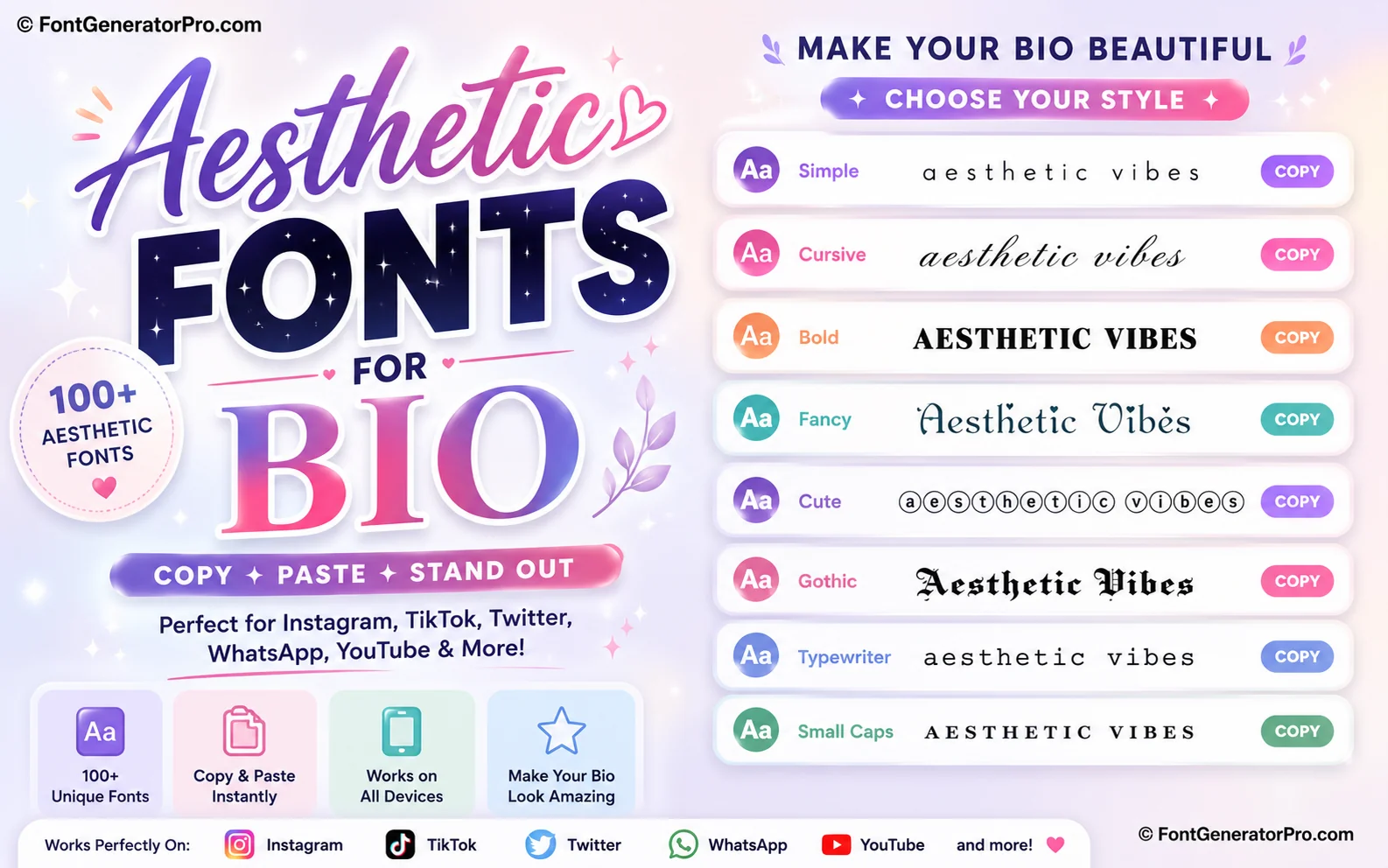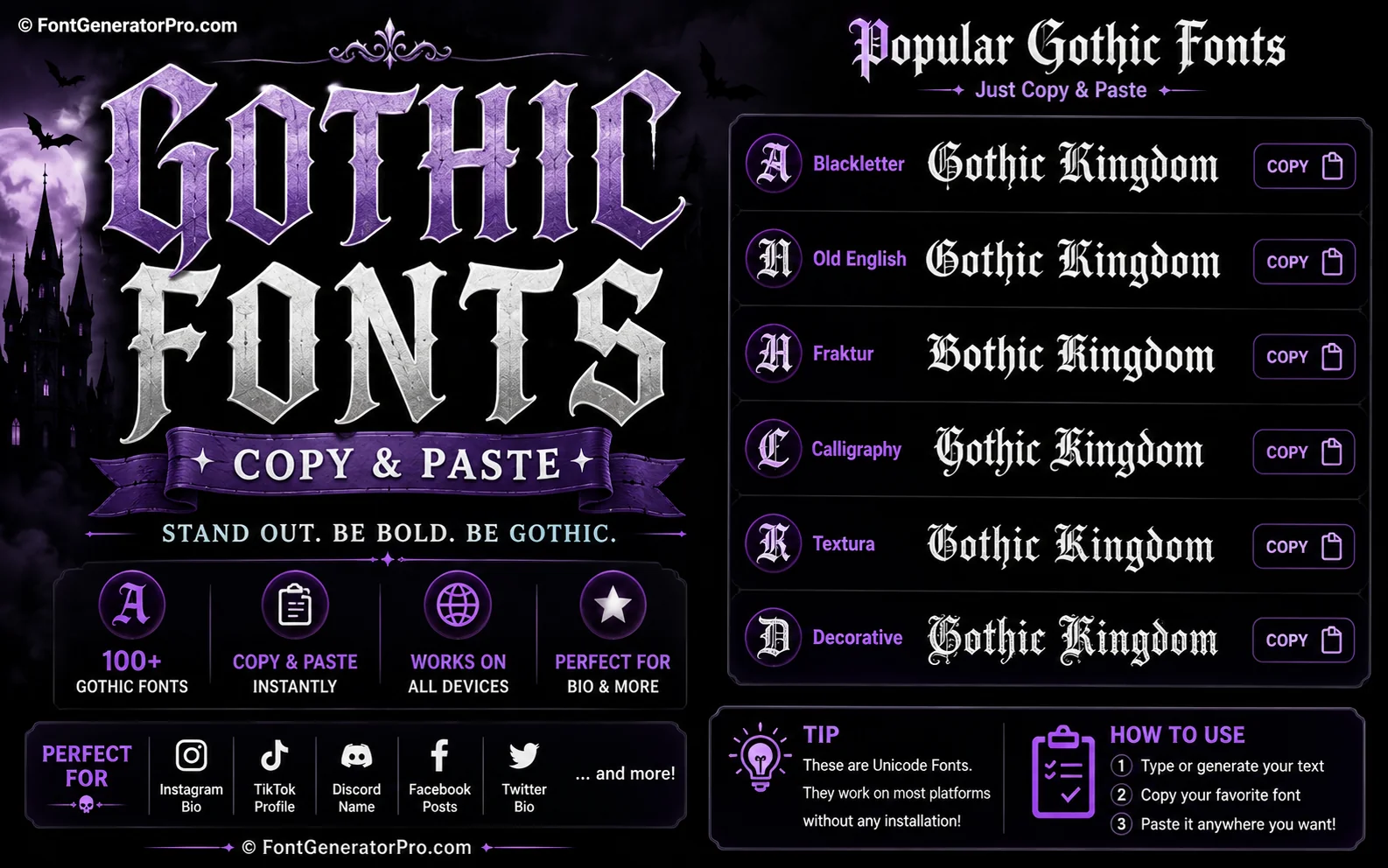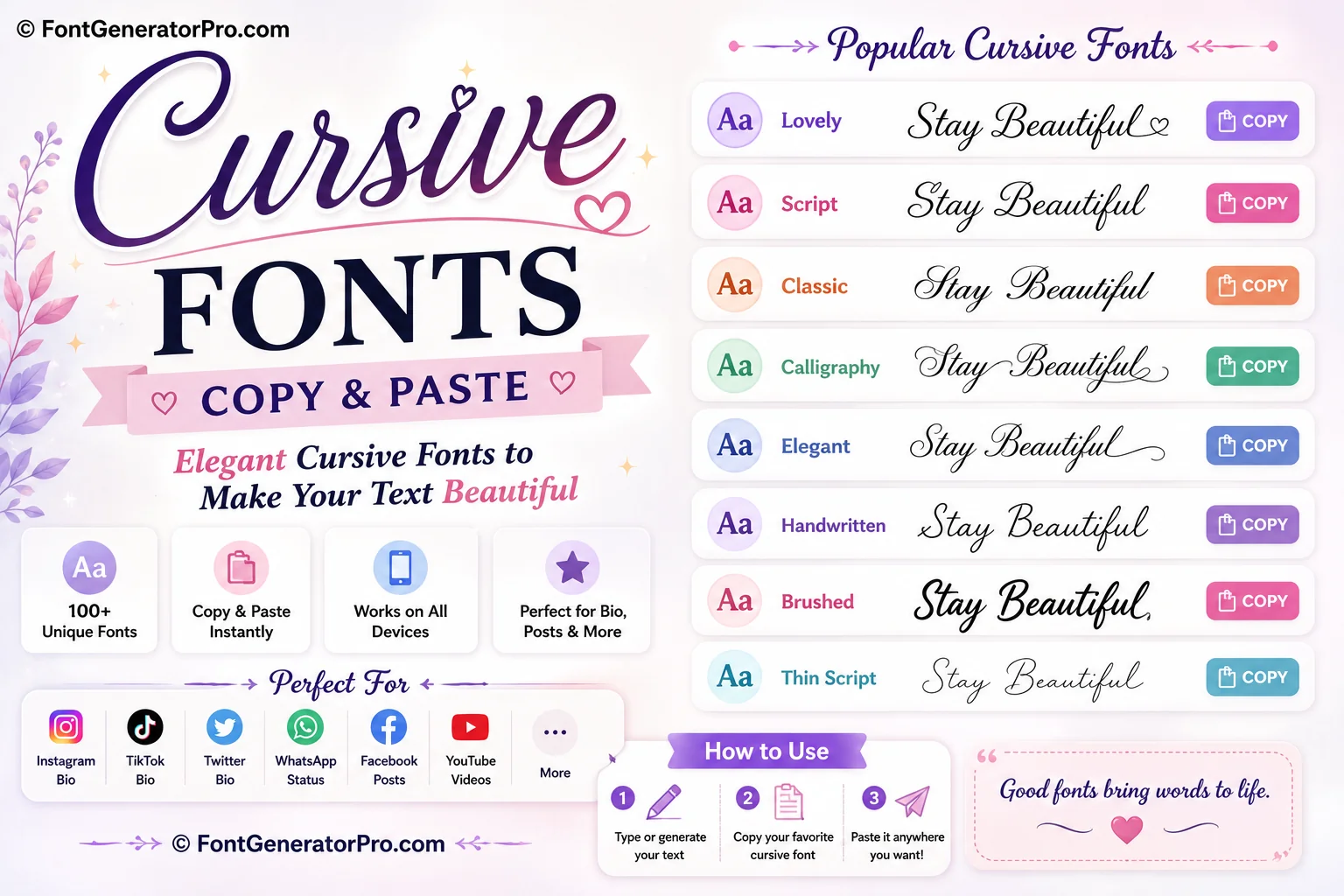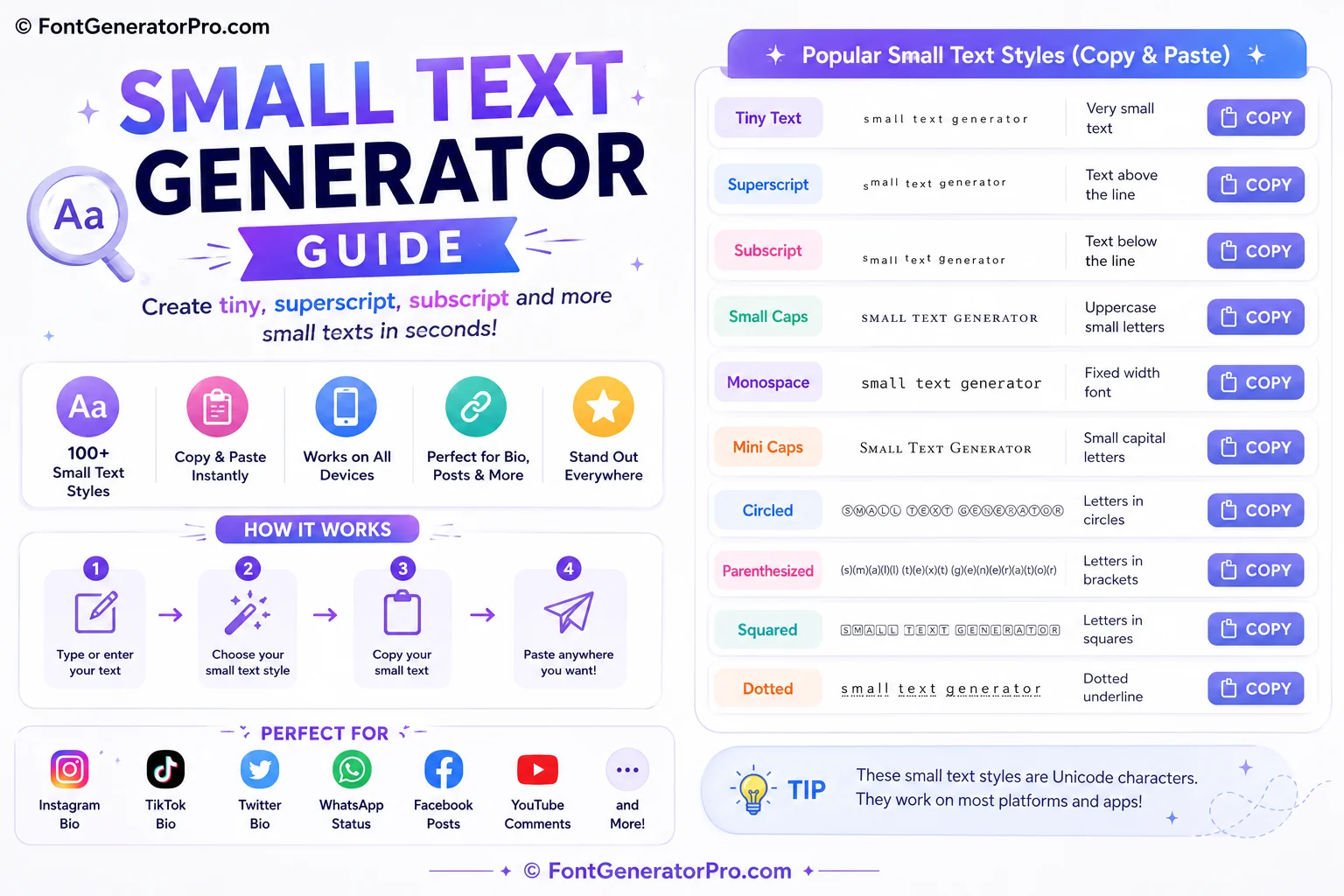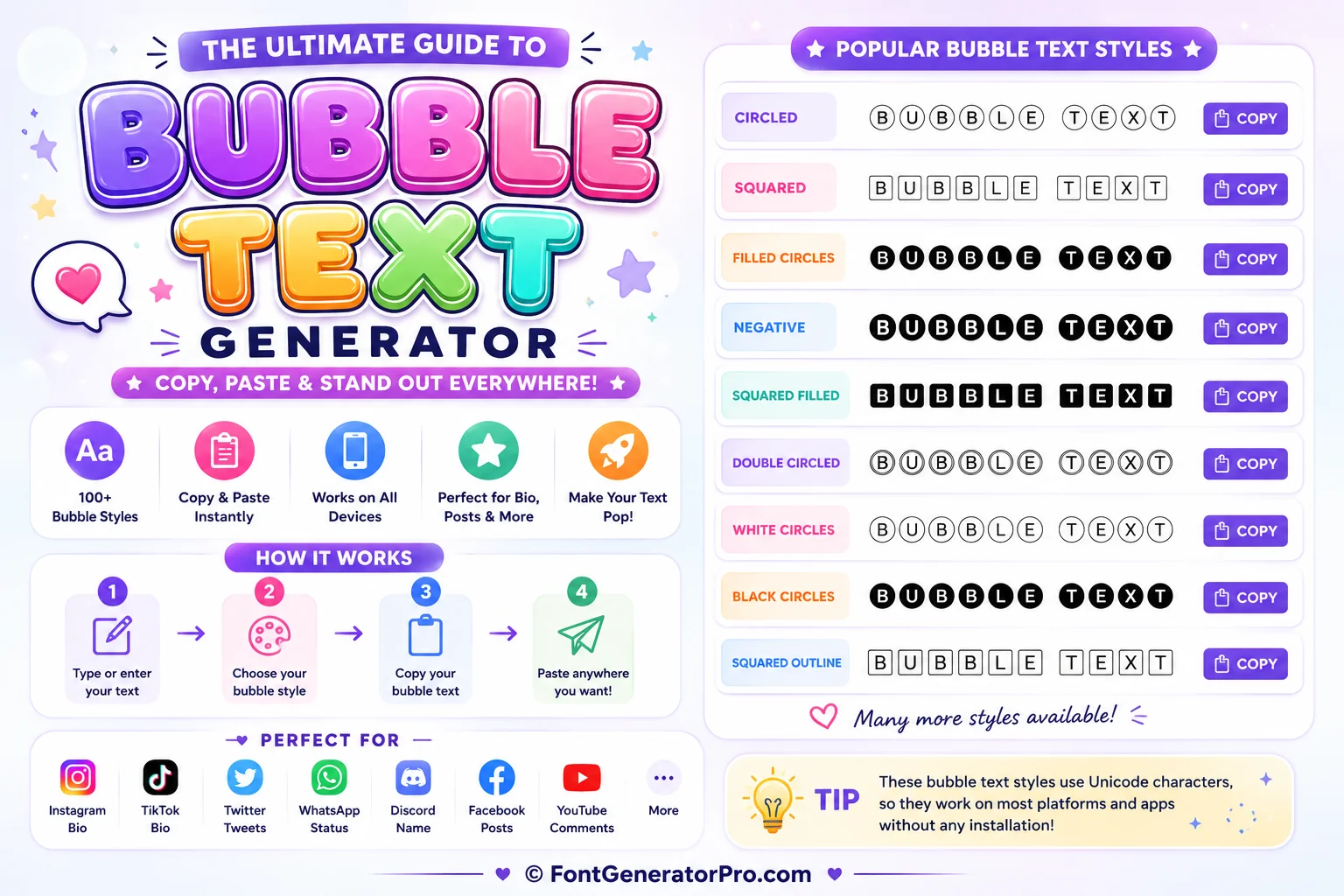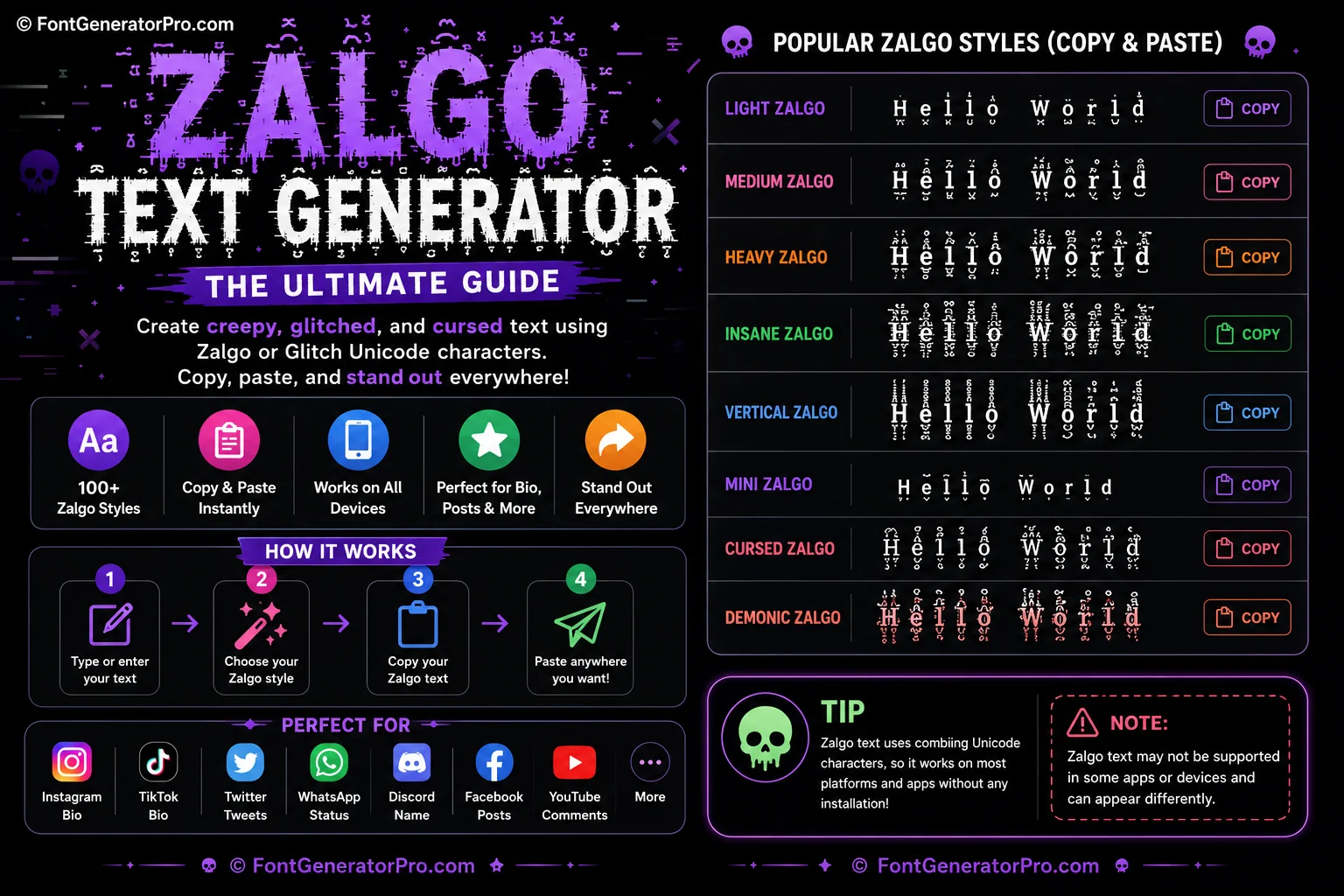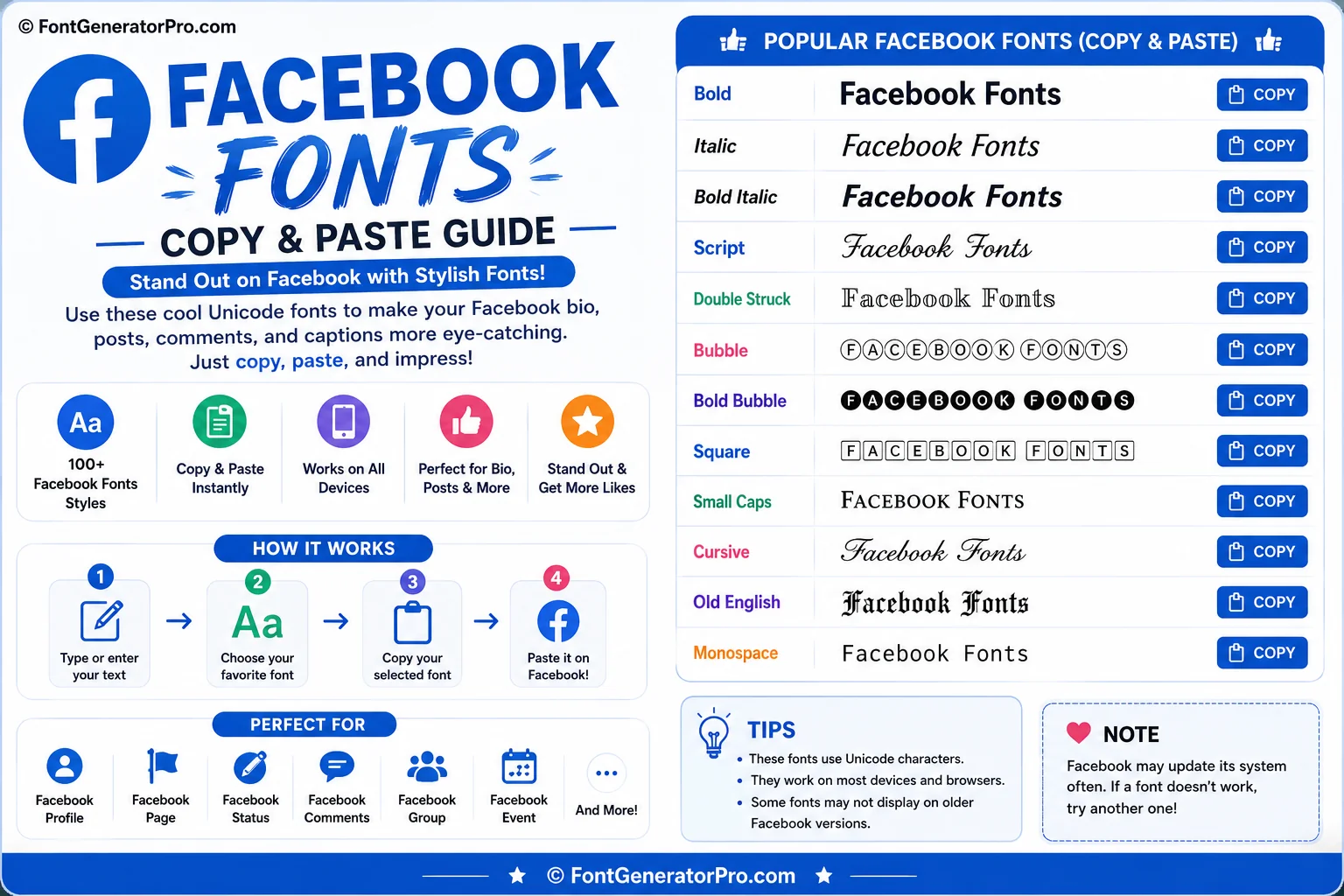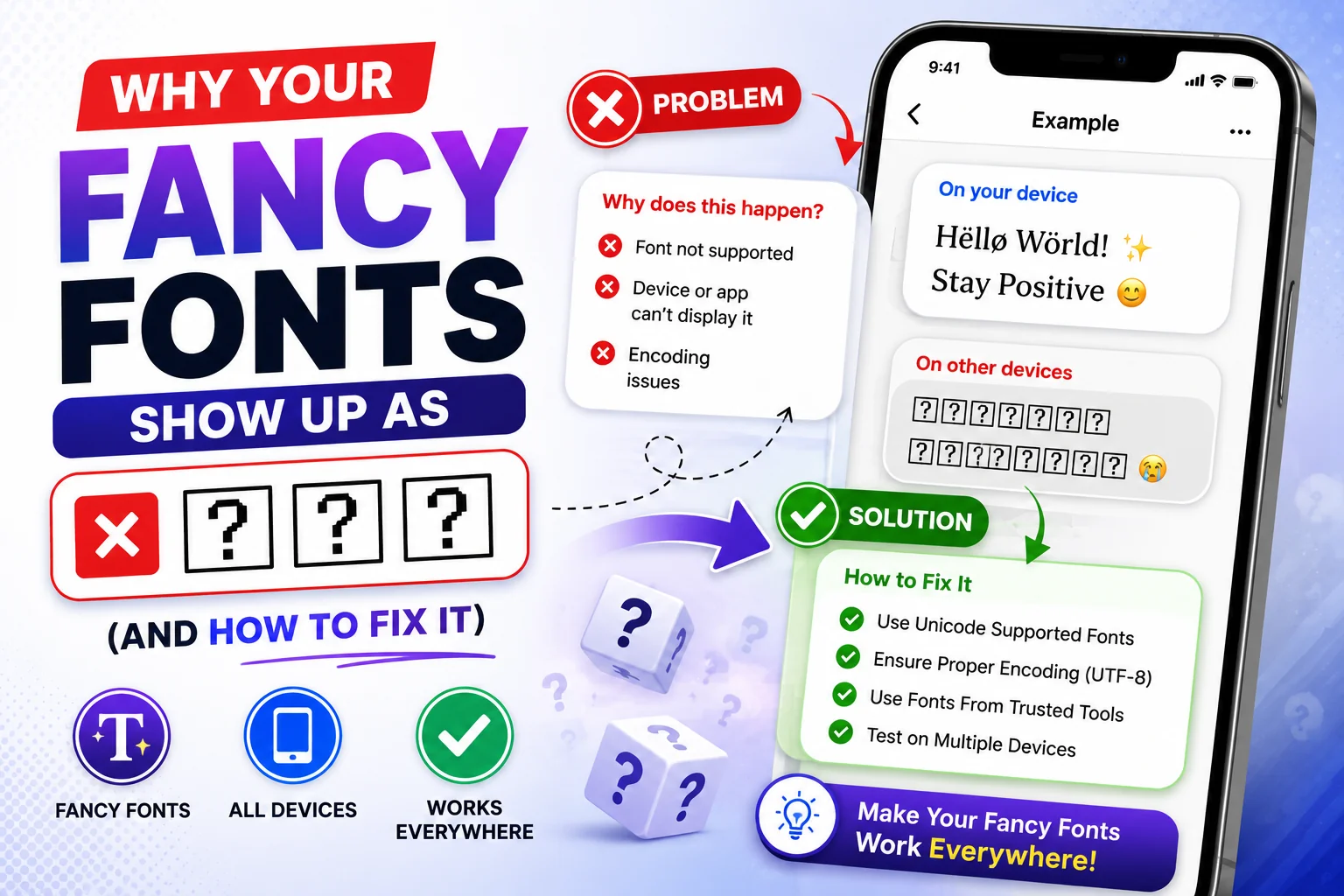
You copy a fancy font, paste it into your Instagram bio or Discord nickname, and instead of your cool new style you get a row of empty squares — or worse, a string of question marks. It looked perfect in the generator. It looks broken now that it matters. This happens to almost everyone who styles their text online, and it has nothing to do with which website you used to generate the font. Here's exactly why it happens, and which styles you can trust every time.
Why fancy fonts break in the first place
Here's the part almost nobody explains clearly: a "fancy font" from a copy-paste generator isn't actually a font. A real font is a file installed on your device that tells it how to draw each letter. What a font generator does instead is swap your regular letters for different Unicode characters that happen to already look bold, cursive, or bubbly — characters that exist for entirely different purposes (math notation, other alphabets, symbol sets) but visually resemble stylized letters.
That distinction matters because it means the way your fancy text displays depends entirely on whether the receiving device has a glyph drawn for that specific character. Your phone ships with a system font (San Francisco on iPhone, Roboto or similar on most Android phones) that covers a huge chunk of Unicode — but not all 140,000+ characters in the standard. When a character isn't covered, the device shows a placeholder instead: an empty box (often called "tofu" by type designers) or, on older or more limited systems, a question mark.
The exact reasons your text breaks
In practice, it's almost always one of these four causes:
1. Device or OS doesn't support that Unicode block
Some styles pull from obscure Unicode ranges that mainstream system fonts simply never bothered to fill in. Older Android versions and older iOS versions are especially prone to this, since Unicode support has expanded significantly in newer OS releases.
2. Combining marks (glitch/Zalgo-style text)
Styles that stack accents above and below letters use "combining characters" — special marks layered onto a base letter rather than a single character. Stack enough of them and some apps will truncate, strip, or refuse to render the result cleanly, since combining marks are also associated with spam and abuse patterns.
3. The app itself filters certain characters
Platforms like Instagram sanitize input for stability and moderation. This mostly affects the more extreme decorative styles (heavy combining marks, unusual symbol frames) rather than clean bold/italic/cursive text, but it means "it copied fine" doesn't always mean "it will paste and stay exactly the same."
4. Copy/paste stripped formatting mid-transfer
Occasionally the issue isn't the font at all — some apps and browser extensions mangle clipboard content. If a style that normally works suddenly breaks in one specific app, try copying it again or testing in a different input field first.
How this plays out on each platform
Compatibility isn't uniform — the same fancy font style can behave differently depending on where you paste it:
| Platform | What typically breaks | What's safe |
|---|---|---|
| Heavy glitch/Zalgo text, rare symbol frames; stylized text isn't searchable in bio/name | Bold, Italic, Cursive, Bubble | |
| iPhone / iOS | Certain circled, script, or symbol-block characters missing from San Francisco font | Bold Serif, Bold Sans, Bold Italic |
| Discord | Very long combining-mark strings in nicknames get truncated by length limits, not just Unicode support | Bold, Italic, Small Caps, Monospace |
| TikTok | Same general Unicode limits as Instagram; captions are more forgiving than bios | Bold, Cursive, Bubble |
| Depends heavily on the recipient's phone, not the sender's | Bold, Italic (both natively supported via WhatsApp's own formatting too) | |
| Roblox | Usernames strip most Unicode outright; only plain ASCII is allowed in usernames | Regular text only for usernames; fancy fonts work fine in bios/about sections |
Which font styles are actually safe to use everywhere
If you want text that looks right for essentially every reader, stick to styles built on well-established Unicode blocks that mainstream system fonts have supported for years:
- 𝗕𝗼𝗹𝗱 — Mathematical Bold, extremely wide support
- 𝘐𝘵𝘢𝘭𝘪𝘤 — Mathematical Italic, wide support
- 𝙈𝙤𝙣𝙤𝙨𝙥𝙖𝙘𝙚 — Mathematical Monospace, good for a "techy" look that still renders reliably
- 𝓒𝓾𝓻𝓼𝓲𝓿𝓮 — Script/cursive style, generally solid on modern devices, worth testing on older Android
Styles to use more carefully (test first, or save for platforms you know support them): heavily decorated symbol-frame text, small circled letters, and anything with stacked combining accents.
Step-by-step: fixing broken fancy text
- Identify where it breaks. Is it broken for you, or for the person receiving it? Ask them to check on a different device if possible.
- Switch to a simpler style. Swap decorative or combining-mark-heavy fonts for Bold, Italic, or Cursive from the font generator.
- Re-copy the text. Sometimes it's a clipboard glitch, not a Unicode support issue — regenerate and copy again.
- Update the app. Older app versions sometimes lag behind current Unicode support even when the OS itself is current.
- Test before you commit. Paste into a private draft first (a note to yourself, or a draft bio) before publishing publicly.
Try every style instantly
Generate your text once and see all the safest fonts side by side before you copy — no guesswork required.
Open the Font GeneratorFrequently asked questions
Why do fancy fonts show up as boxes on some phones?
Fancy fonts are Unicode characters, not actual font files. A box (or "tofu") appears when the device's system font has no glyph drawn for that specific character. It is a device/software limitation, not a problem with the text itself.
Why do fancy fonts work on Android but not iPhone (or vice versa)?
Apple's San Francisco system font and Google's Android fonts each cover different subsets of the huge Unicode standard. A character block fully supported on one platform can be missing on the other, which is why the same fancy text can look perfect on one phone and broken on the next.
Does Instagram remove or filter fancy fonts?
Instagram doesn't delete Unicode text, but it can strip certain combining marks (the accents used in glitch/Zalgo-style text) for stability and moderation reasons, and stylized text in bios and names is not indexed by Instagram's internal search.
What is the safest font style to use everywhere?
Bold, Italic, Bold Italic, and simple Sans-Serif styles from the Mathematical Alphanumeric Symbols block have the widest support across Instagram, Discord, TikTok, WhatsApp, and both iOS and Android. Heavily decorated, circled, or stacked/combining styles are the most likely to break.
How can I test a font before posting it?
Paste it somewhere private first, like a note-to-self chat or your own bio in draft mode, and check it on both an iPhone and an Android device if you can. If it renders cleanly on both, it will almost certainly work for your audience.