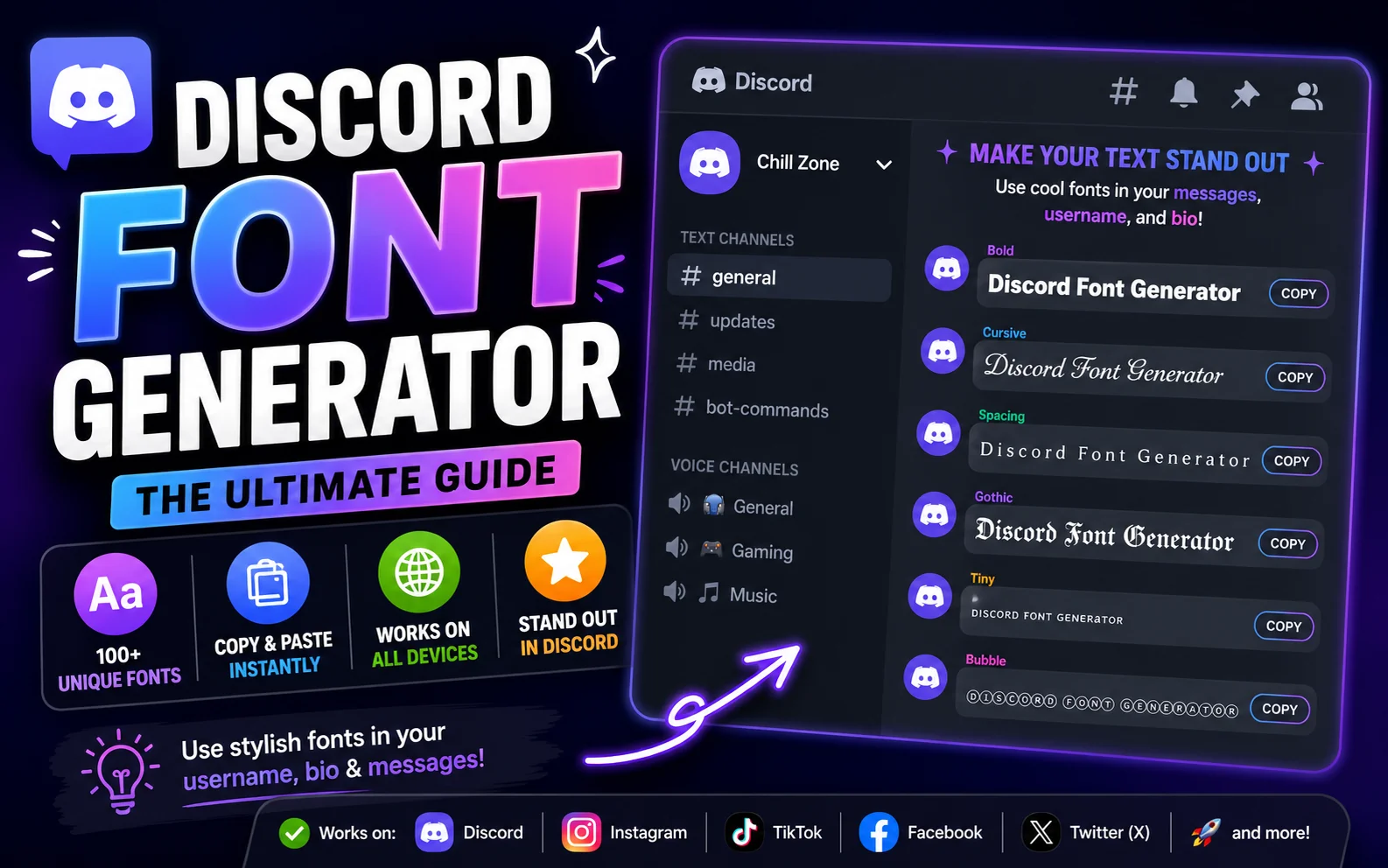
Discord has no native font-picker — every "fancy font" you see in a Discord server name, username, or message is either Markdown formatting Discord itself renders, or Unicode text pasted in from a generator. Knowing which is which saves a lot of trial and error, especially for usernames, which have tighter character rules than chat messages.
Discord Markdown vs. copy-paste Unicode fonts
Discord supports basic Markdown inside messages: wrap text in **double asterisks** for bold, *single asterisks* for italic, ~~tildes~~ for strikethrough, and triple backticks for a monospace code block. This only works in messages — not in usernames, server names, or nicknames, which is where a Unicode font generator fills the gap.
| Where | Method |
|---|---|
| Chat messages | Markdown (bold, italic, strikethrough, code block) or Unicode |
| Username / Nickname | Unicode only — Markdown is not parsed |
| Server name | Unicode only |
| Channel topic / About Me | Unicode only |
Fonts that render reliably in Discord
Discord's client renders most standard Unicode blocks cleanly on desktop and mobile, but a few styles are the safest bets for nicknames and server names specifically.
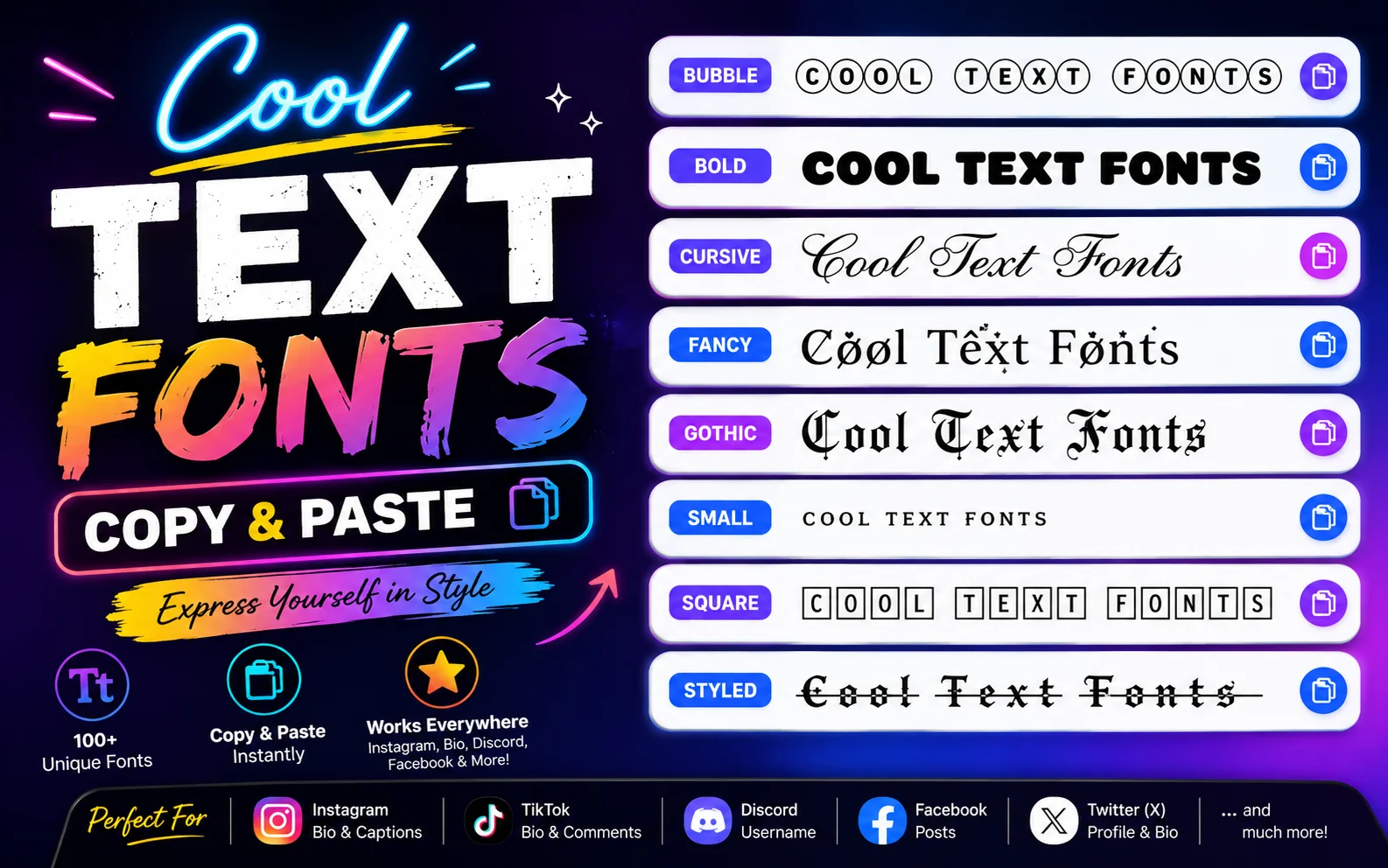
- Bold Sans 𝗗𝗶𝘀𝗰𝗼𝗿𝗱 — reads clean at the small sizes used in the member list.
- Monospace 𝙳𝚒𝚜𝚌𝚘𝚛𝚍 — matches the app's own code-block aesthetic.
- Small Caps ᴅɪsᴄᴏʀᴅ — a popular, subtle style for role tags and nicknames.
- Double-Struck 𝔻𝕚𝕤𝕔𝕠𝕣𝕕 — bold, blocky, common on gaming and bot-focused servers.
Bonus formatting: spoilers and code blocks
Two Discord-native tricks are often confused with "fonts" but are actually built-in formatting: wrapping text in ||double pipes|| hides it behind a spoiler blur until clicked, and triple backticks with a language name (e.g. ```python) create a syntax-highlighted code block. Neither requires a generator — they're pure Discord Markdown.
Character limits and things to watch for
- Discord usernames (the unique @handle) are restricted to lowercase letters, numbers, underscores, and periods — styled Unicode won't be accepted there.
- Server nicknames and display names are far more permissive and generally accept styled Unicode fonts.
- Very decorative styles (zalgo, heavy combining marks) can break the member list's alphabetical sorting or get flagged by some servers' auto-moderation.
Try it in the font generator
Type your text once and preview every style from this guide side by side.
Open the Font GeneratorFrequently asked questions
Can I change my Discord username font?
Your unique @username is restricted to plain lowercase letters, numbers, underscores, and periods, so styled fonts won't save there. Your display name / nickname, shown in servers, does accept Unicode font styles.
Why does my fancy Discord nickname look broken on mobile?
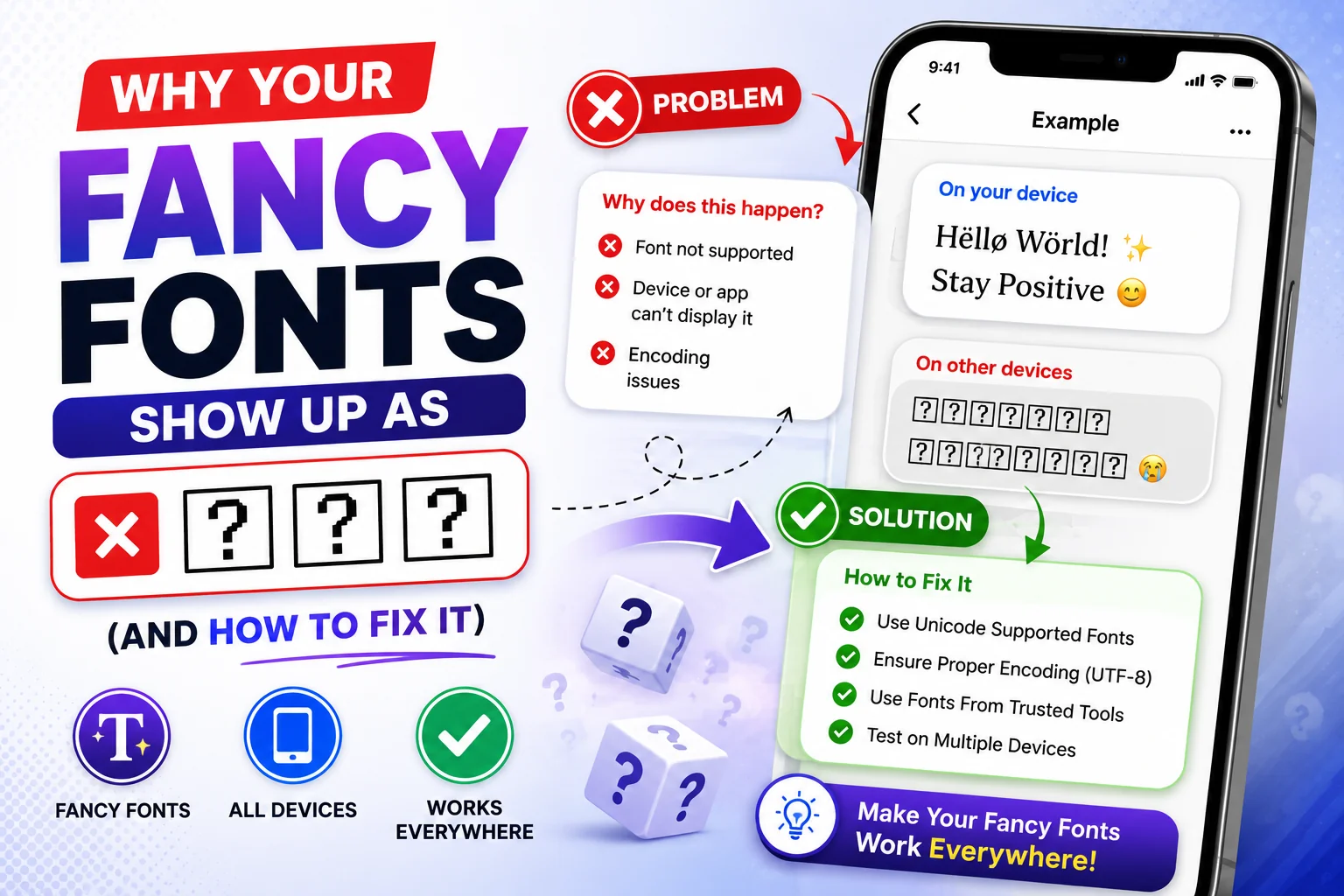
Some decorative Unicode blocks aren't fully supported by every mobile font rendering engine. Sticking to Bold, Monospace, or Small Caps gives the most consistent look across desktop, iOS, and Android.
Does Markdown bold work in server nicknames?
No. Markdown formatting like **bold** is parsed only inside chat messages, not in usernames, nicknames, or server names — those need actual Unicode font characters instead.
Can server admins block fancy fonts?
Yes, some servers use bots or rules that restrict nickname formatting for readability or moderation reasons. Check your server's rules before setting a heavily styled nickname.
What's the difference between a spoiler tag and a font style?
A spoiler tag (||text||) is a Discord-native interaction that blurs text until clicked — it doesn't change the font at all, it just hides the message content.