Searches for a "Minecraft font generator" usually expect the game's signature blocky pixel typeface to work like a copy-paste font. It can't, and it's worth understanding why before you spend time hunting for the wrong tool — plus what actually does work if you want that Minecraft look outside the game.
Why the Minecraft font can't be copy-pasted
Minecraft's in-game font (officially called Mojangles) is a custom bitmap/pixel typeface bundled with the game itself — it's a font file, the same category as any font installed on a computer, not a set of special Unicode characters. Copy-paste "fonts" like bold or script text work because Unicode assigned them dedicated character codes; Minecraft's font was never given that treatment, so there's no character you could paste anywhere to reproduce it.
What "Minecraft font generator" tools actually produce
Tools that promise Minecraft-style text typically do one of two things:
- Render an image. You type text, the tool draws it using the real Mojangles font file and gives you a downloadable PNG — genuinely accurate, but it's a picture, not text you can paste into a chat box.
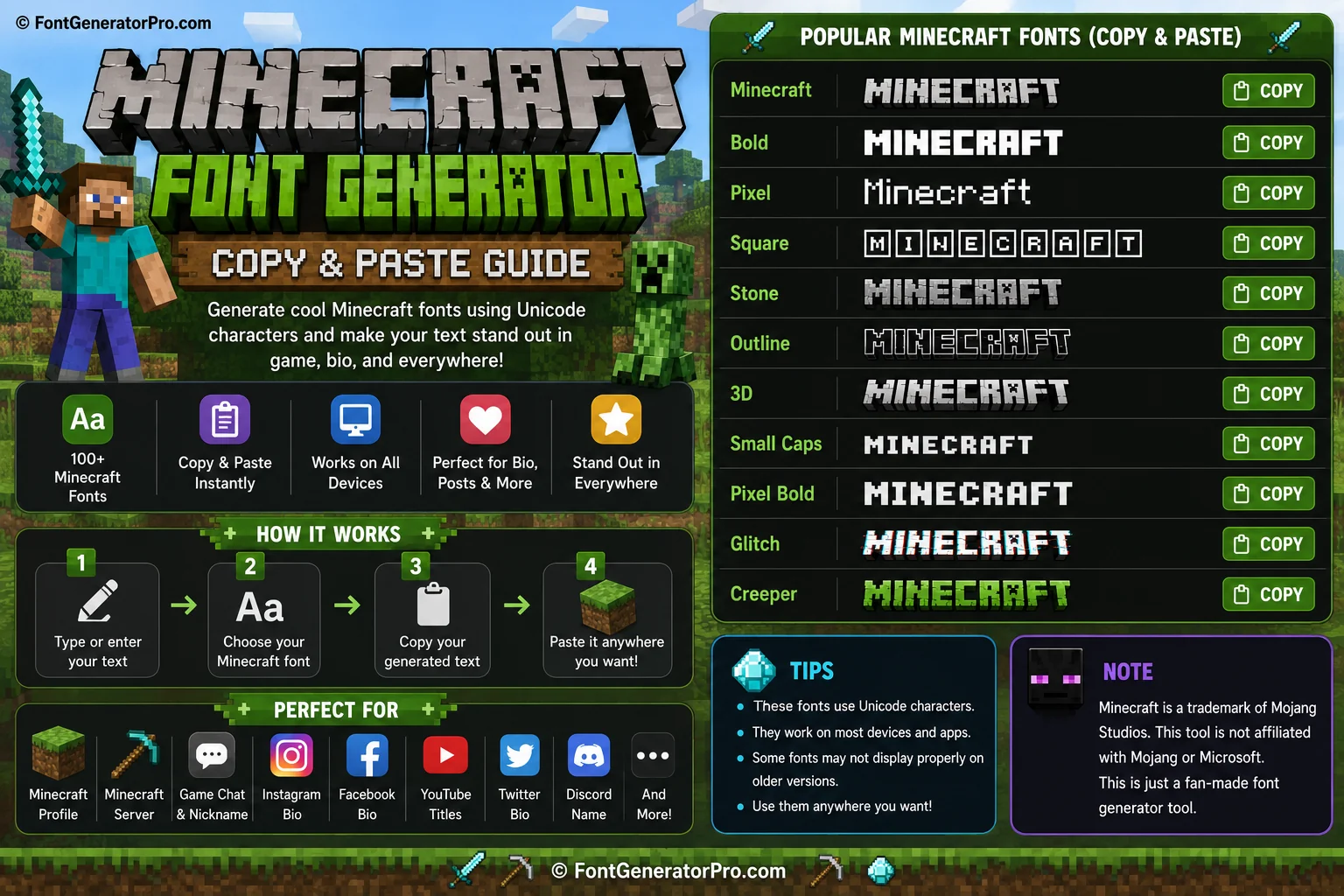
- Approximate it with a monospace Unicode font. Styles like 𝙼𝚒𝚗𝚎𝚌𝚛𝚊𝚏𝚝 (monospace) get visually close to the blocky, evenly-spaced look without being the actual typeface — good enough for a bio or username where the real font isn't an option anyway.
What actually works inside Minecraft itself
Minecraft's Java Edition supports its own formatting codes (using the § symbol) for color and bold/italic/underline/strikethrough directly in signs, chat, and some text fields — that's a built-in game feature, not a copy-paste font, and it only works within the game itself, not on external sites or usernames.
Try it in the font generator
Type your text once and preview every style from this guide side by side.
Open the Font GeneratorFrequently asked questions
Can I copy and paste the real Minecraft font into my Instagram bio?
No — the real Minecraft typeface is a font file bundled with the game, not a Unicode character set, so there's nothing to copy-paste. The closest widely usable substitute is a monospace Unicode style, which approximates the blocky look.
What's the best way to get real Minecraft-style text for a thumbnail or logo?
Use a generator that renders an image with the actual Mojangles font file, then download it as a PNG — that's the only way to get the true typeface outside the game itself.
Do the § formatting codes work outside of Minecraft?
No, those codes are parsed specifically by Minecraft's own text rendering system (Java Edition chat, signs, some UI). They do nothing on other platforms or in general text fields.
Is monospace Unicode text a good enough Minecraft-style substitute?
For usernames and bios where you can't upload an image, yes — monospace text shares the evenly-spaced, blocky character of the real font, even though it isn't a pixel-perfect match.
Why do some Minecraft server names look like they use the real font?
Server list names and some plugins can load custom font resource packs that replace default characters with the real game font, but that only works within the modified server or client — it's not something you can paste elsewhere.